
You’ll first want to head over to the Play A Friend tab in the HUT Main Menu
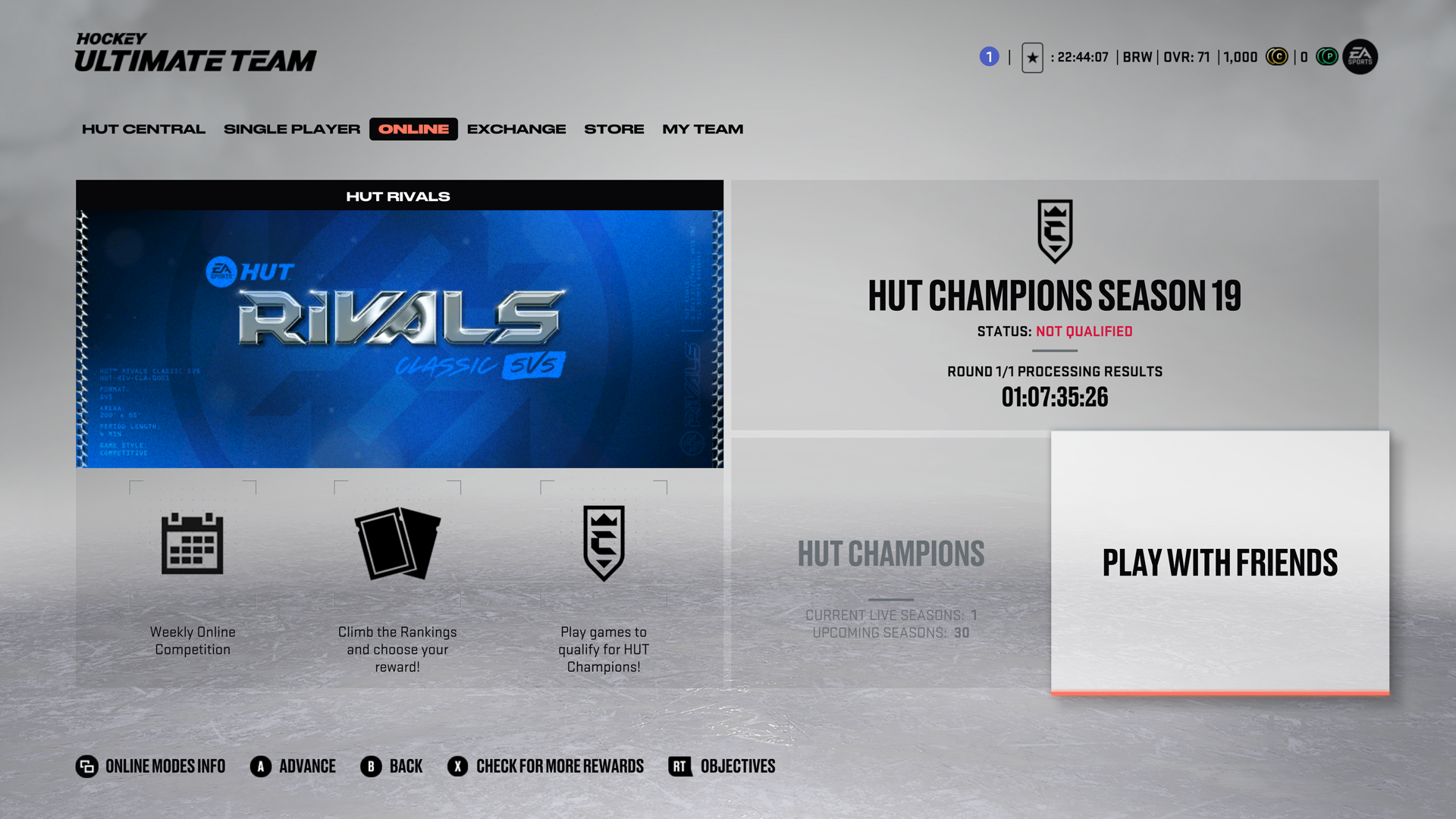
From there you will want to click on the new Private Game tab.
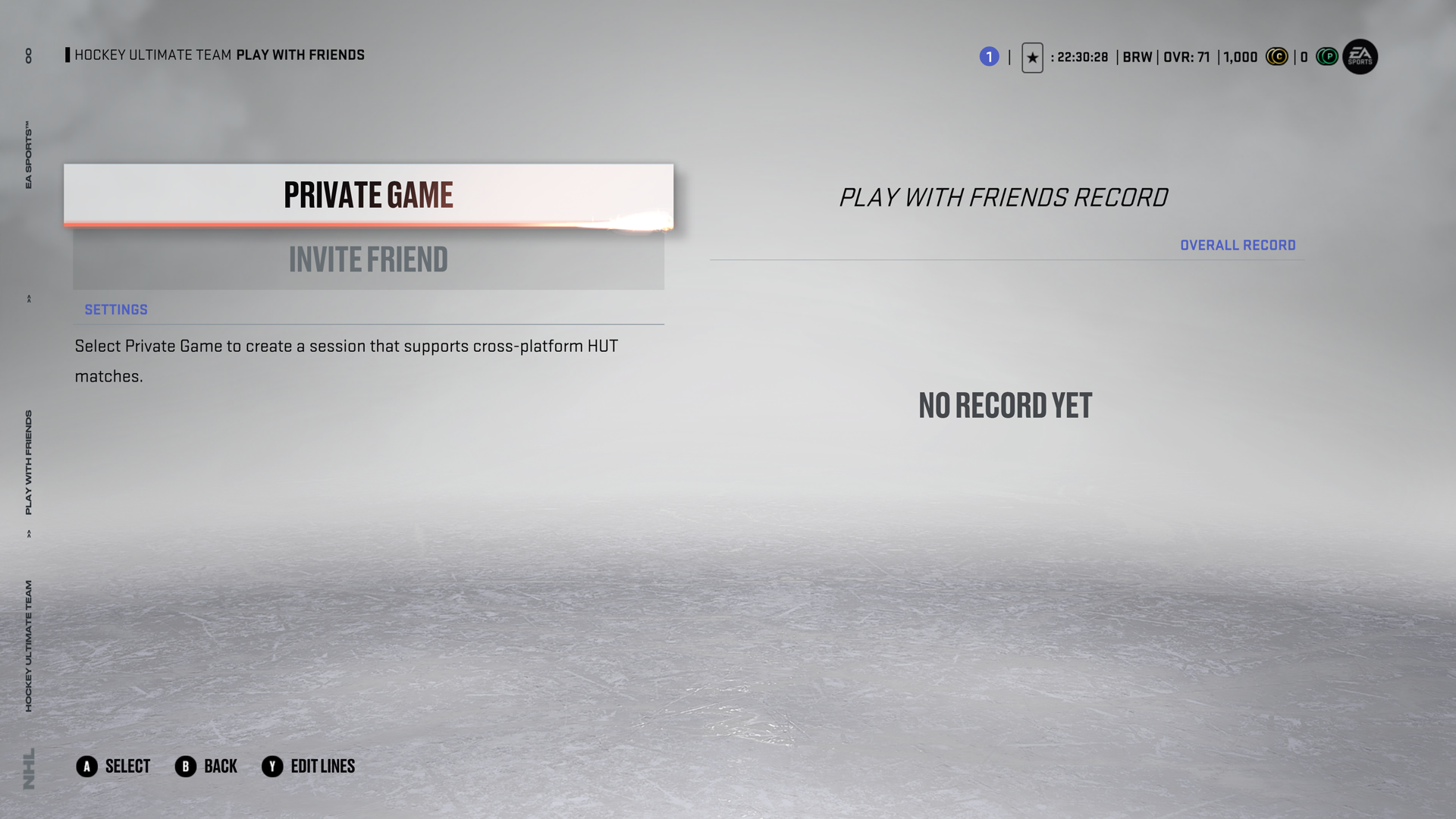
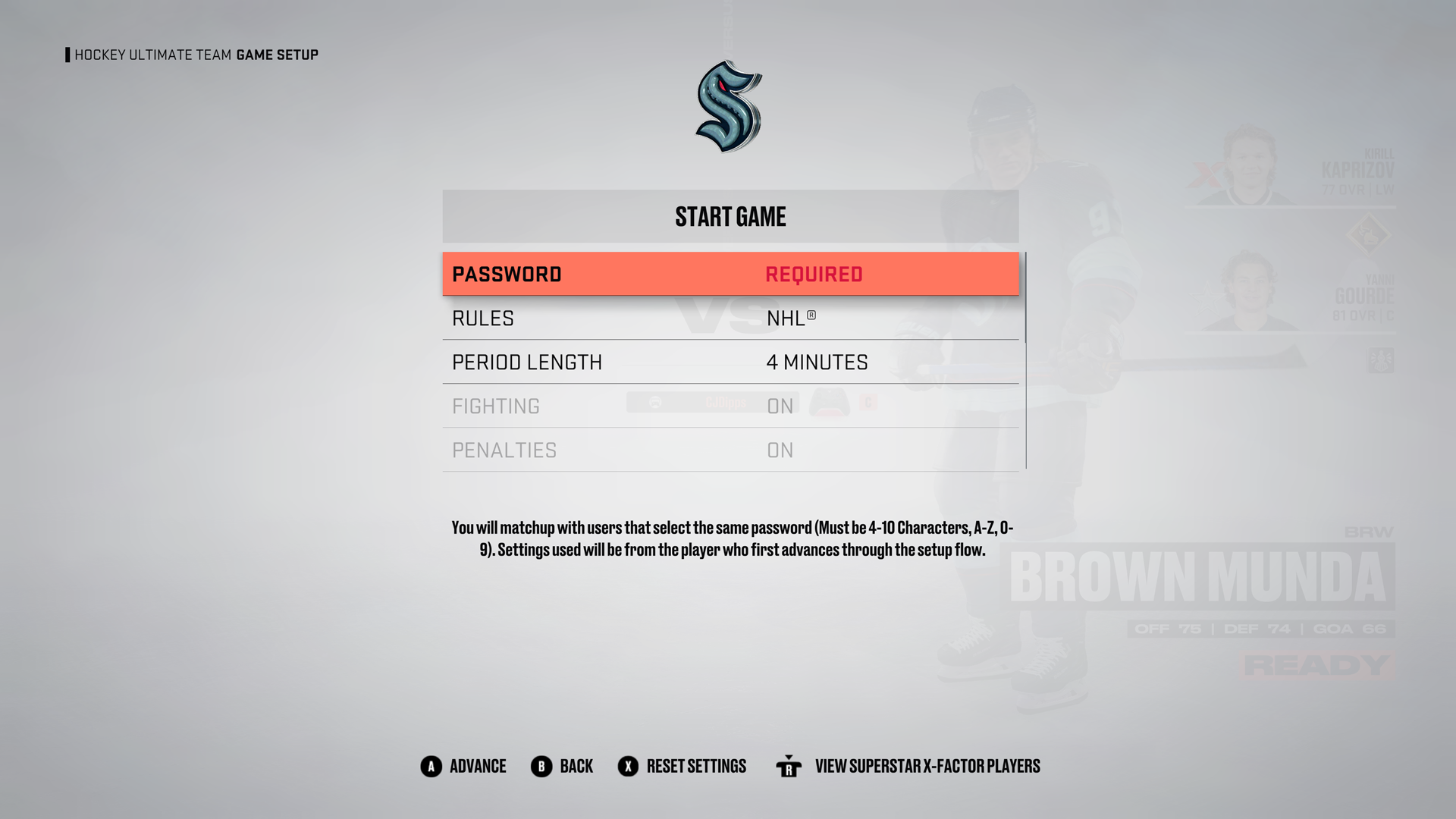
Once you enter a Private Game, you’ll need to set a password, make sure that your opponent sets the same password on their end which will allow you to match up against them. Once you both have the same password set, select Start Game and you’ll matchmake against one another.
Here are the full Patch notes:
Creation Zone
—-
– Fixed an issue where the player model was not showing up on the second time when entering Edit Player
– Fixed an issue where team goalie masks were not available for selection in Be a Pro
Game Modes
—-
– Fixed an issue where changes in Edit Lines and Strategies did not save
Hockey Ultimate Team
—-
– Added new Cross Platform Private Game functionality
Uniforms
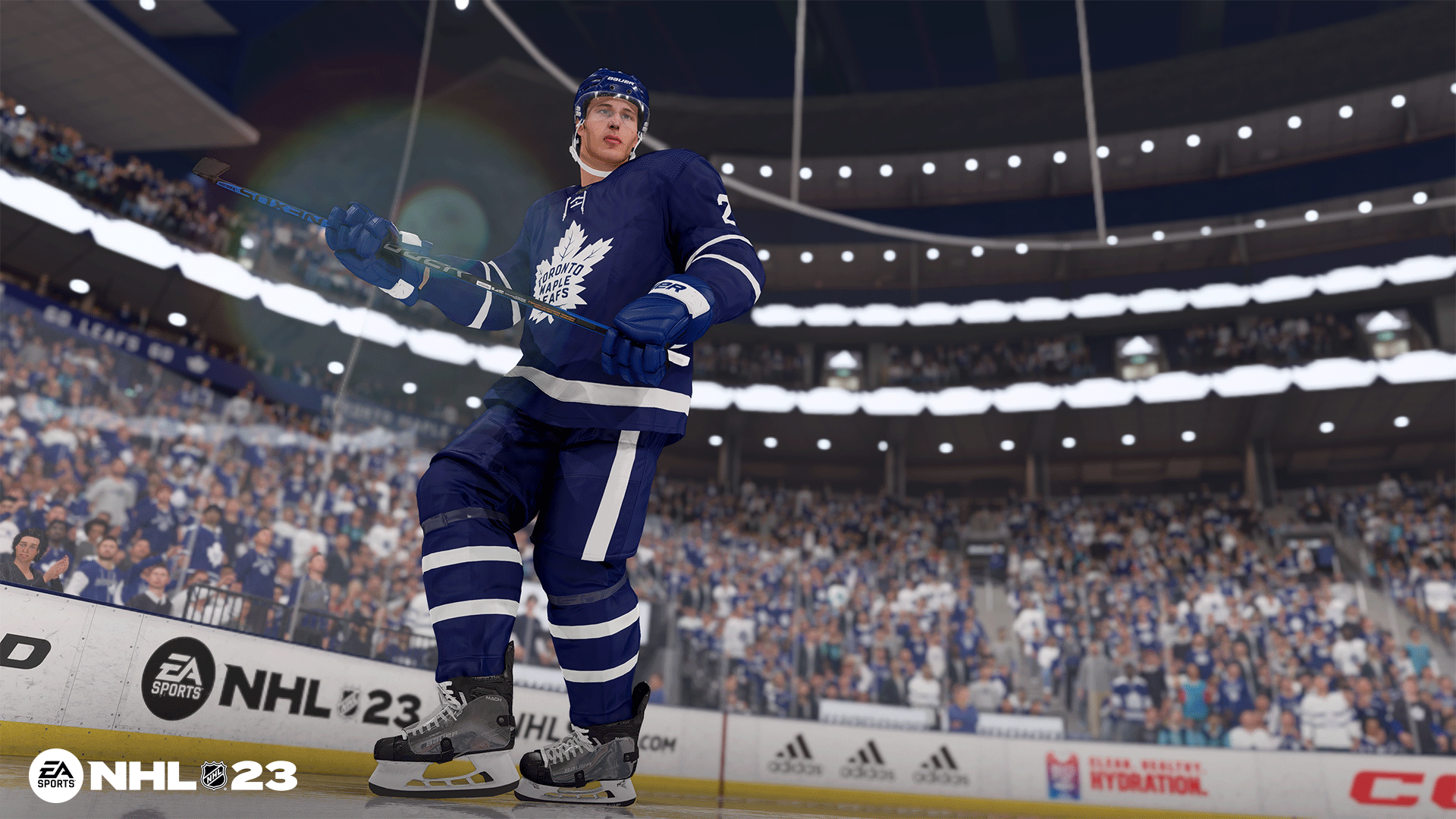
The following uniforms have been added or updated in NHL 23
NHL
– Arizona Coyotes – Third
– Vancouver Canucks – Third
– Carolina Hurricanes – Stadium Series
– Washington Capitals – Stadium Series
– All-Star Uniforms – Western Conference and Eastern Conference
ECHL
– Iowa Heartlanders – Fourth
– Utah Grizzlies – Third and Fourth
Canadian Hockey League
– Charlottetown Islanders – Third
#NHL #Update #Patch #Notes #NHL #Patch