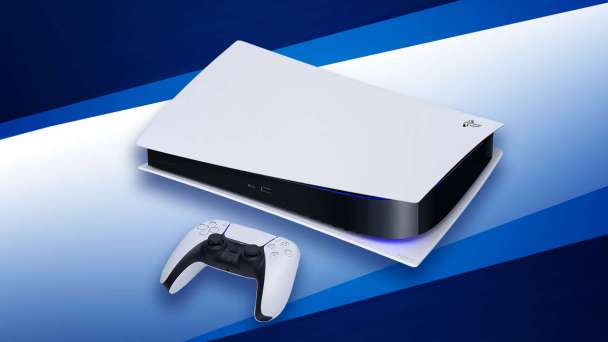
PlayStation 5 system software update 23.01-07.00.00.44 is available to download. According to the official patch notes, the latest PS5 firmware update 23.01-07.00.00.44 brings new changes and bug fixes.
Previously, the major update added Open and Closed Parties, UI enhancements on PS5, accessibility features, PS App and remote play enhancements.
Read more details below.
What is new in PS5 update 23.01-07.00.00.44?
- Added support for Discord app on PlayStation 5.
- General performance improvements and stability fixes.
- Other minor changes.
How to manually update PS5 system software?
To update your PS5 using a PC or Mac, follow these steps:
- Create a folder named “PS5” on a USB drive that is formatted as FAT32.
- Inside the “PS5” folder, create another folder named “UPDATE”.
- Download the update file and save it in the “UPDATE” folder, naming it “PS5UPDATE.PUP”.
- Plug the USB drive into your PS5 console.
- Start the PS5 in Safe Mode by holding the power button until you hear a second beep.
- Select Safe Mode option 3: Update System Software.
- Choose “Update from USB Storage Device” and select OK.
Download PS5 System Software Update 23.01-07.00.00.44
To download PlayStation 5 version 23.01-07.00.00.44-00.00.00.0.0, check your system updates.
#Download #PS5 #System #Software #Update