
The Atomic Heart save file location contains information about the game’s progress and status. This file allows the player to pick up where they left off when they resume playing the game at a later time. Unfortunately, there have been reports of save game issues, such as difficulty in saving progress and loading saved files.
Fortunately, today we have posted a guide to help you find the Atomic Heart save file location so that you can back up and restore your saves. You can also download a 100% completed Atomic Heart save game file.
Read about Atomic Heart save game file location details below.
How to find Atomic Heart Save File Location?
- Click “My PC” on your desktop.

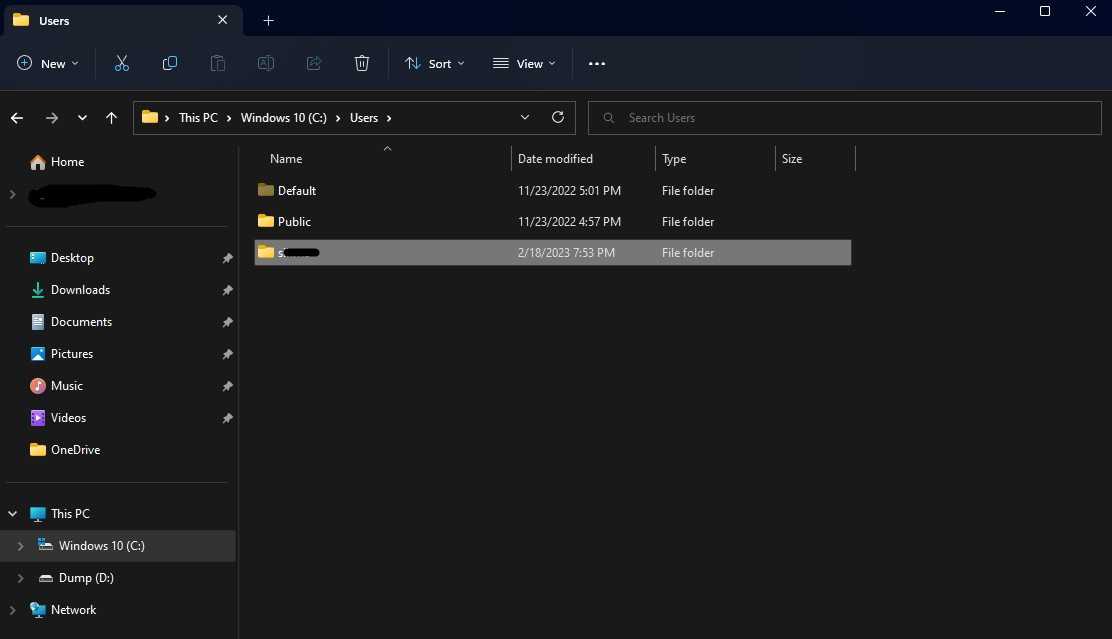
- Double-click Local Disk (C:) Drive and open the Users folder.
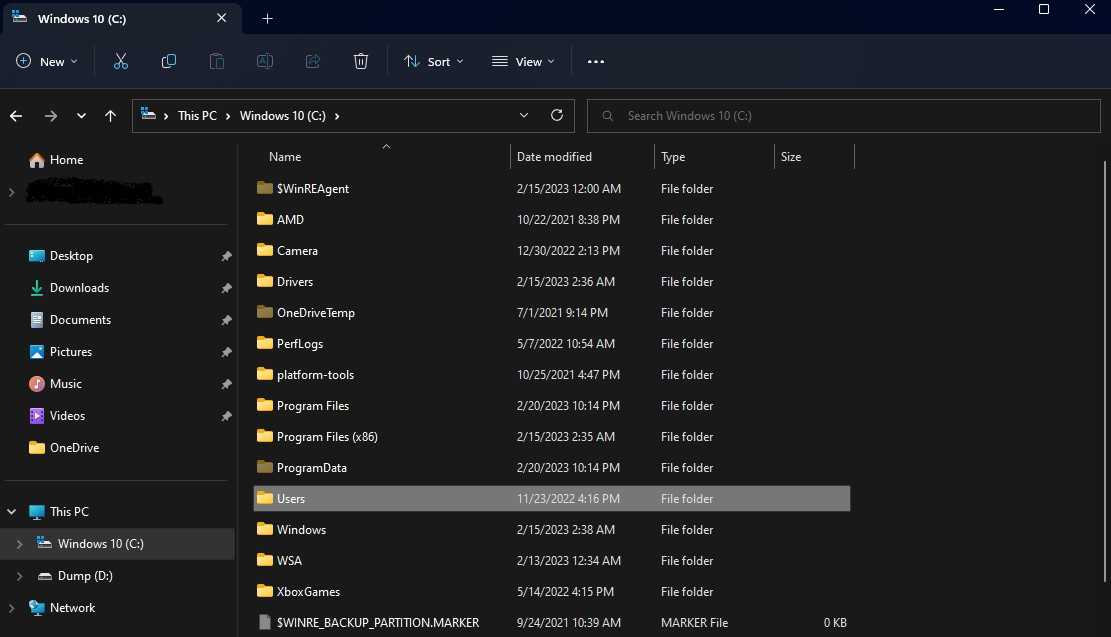
- Click on the account name folder.
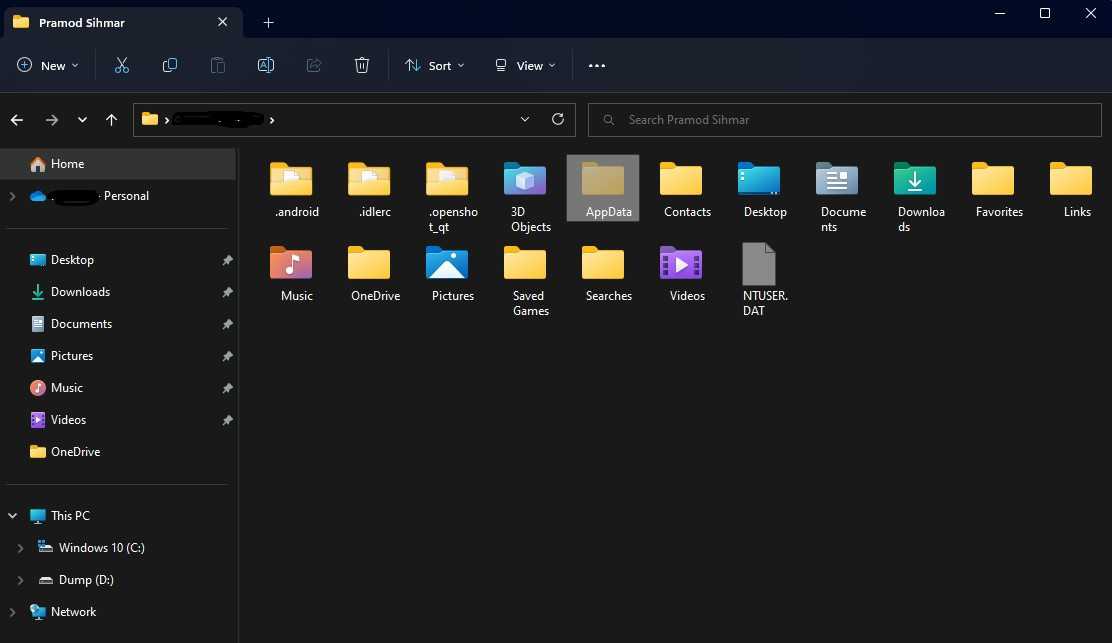
- Now, double click and open Appdata.
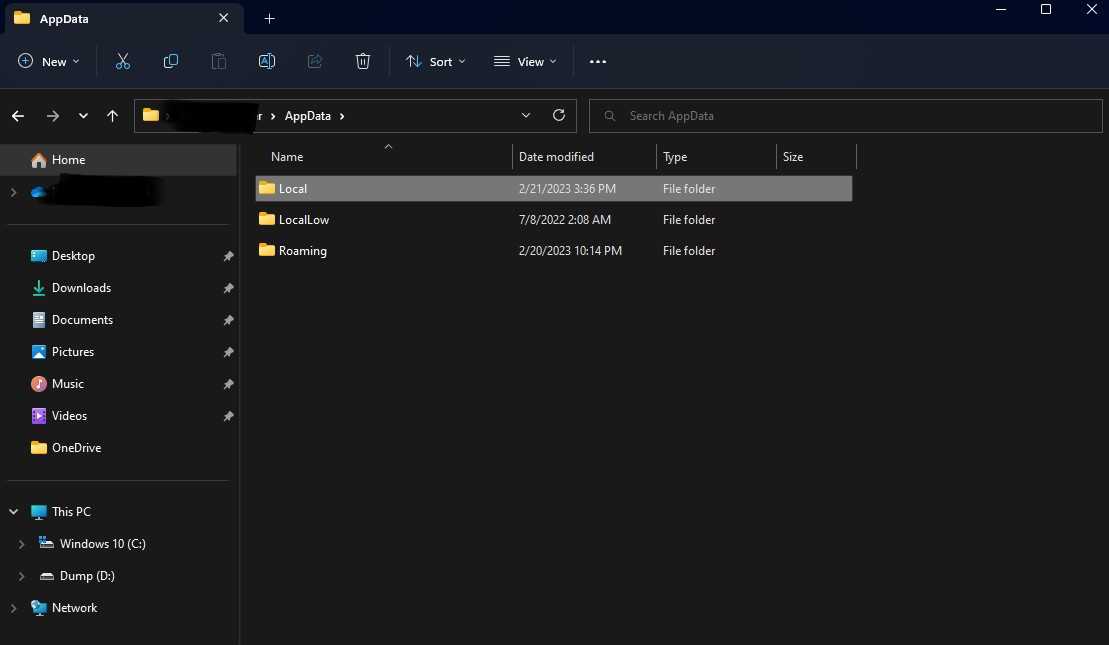
- Now, find and open Local folder Inside Appdata.
- Look for the folder “Atomic Heart” and double-click to open it.
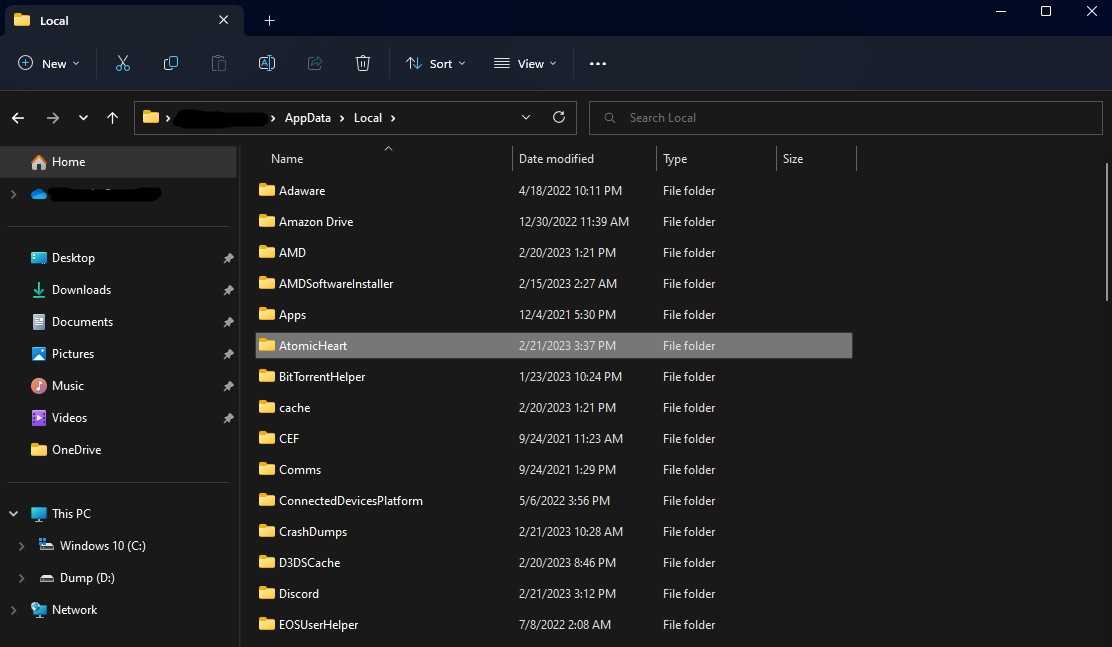
- Now, open the Saved folder.
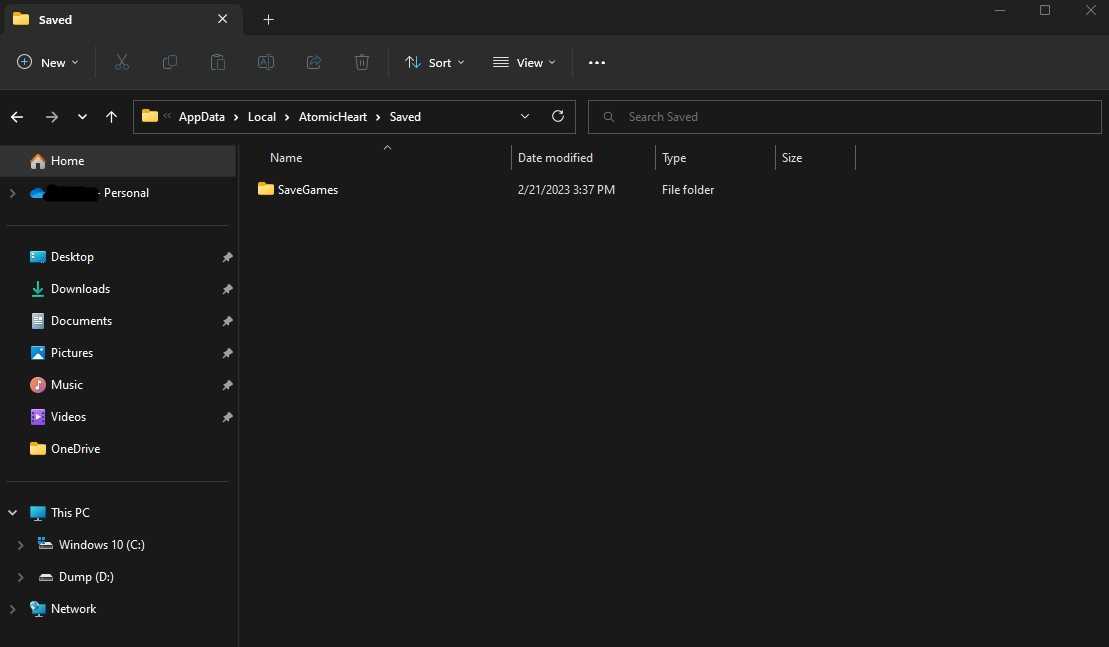
- Click on the SaveGames folder to access all your Atomic Heart Save Files.
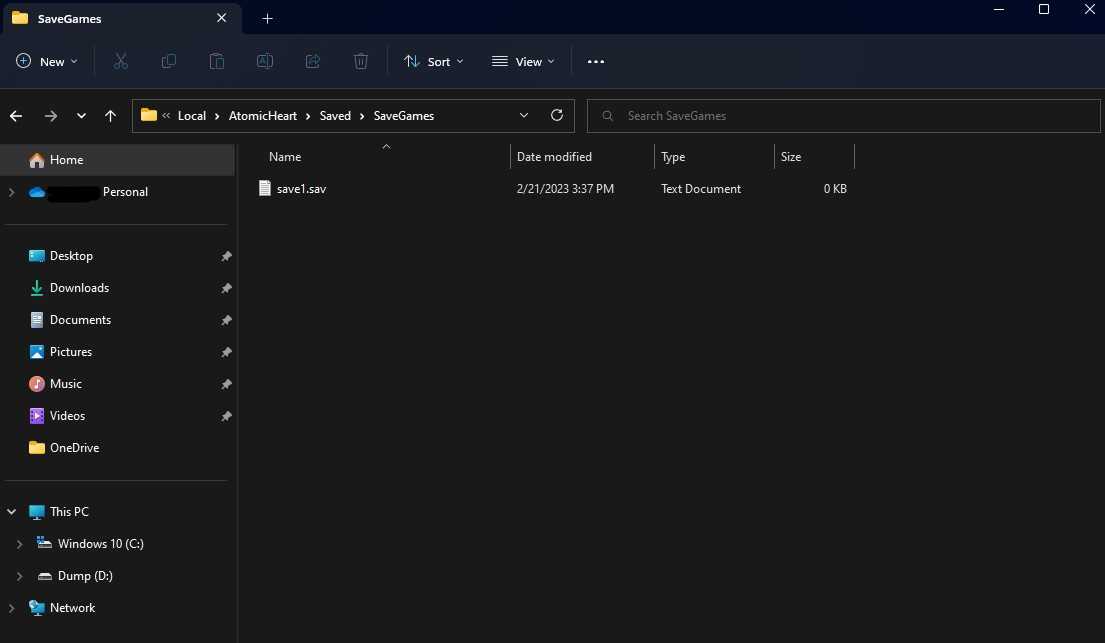
Related: Atomic Heart Day One Patch Notes.
Let’s hope that today’s guide helps you to find the save game files for Atomic Heart. These Atomic Heart save files are important as they allow players to save their progress and avoid starting over from the beginning each time they play.
#Atomic #Heart #Save #File #Location