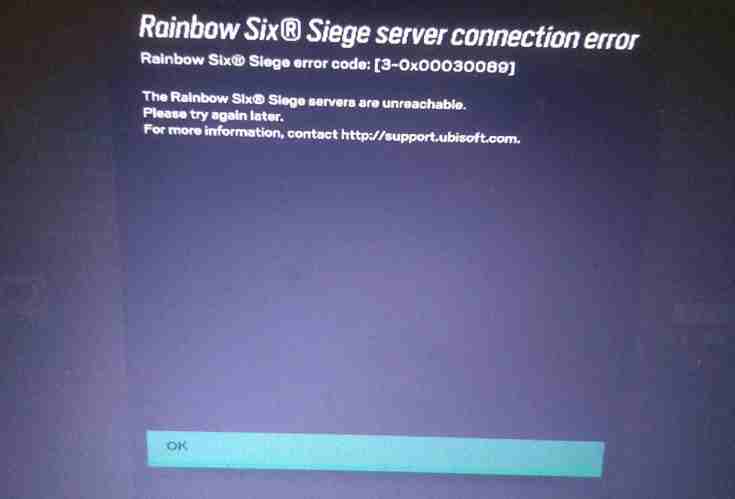
Rainbow Six Siege server connection error can be caused by a variety of factors, including issues with your internet connection, problems with the game’s servers, or conflicts with other programs on your device.
Here are some general troubleshooting steps to resolve this issue.
Check your internet connection: Make sure your device is connected to a stable and fast internet connection.
Restart your device: Restarting your device can help resolve connectivity issues.
Restart the game: Close and reopen the game to see if this resolves the issue.
Check for updates: Make sure your game and device are up-to-date with the latest software updates.
Check R6 Server Status: This error also occurs when UBISoft or R6 Siege servers are down or temporarily unavailable due to a scheduled maintenance session.
You can check the R6 server status here.
Disable unnecessary programs: Some programs running on your device may interfere with the game’s connectivity. Close any unnecessary programs or background applications before starting the game.
Disable Firewall or antivirus: Some Firewall or antivirus software may be blocking the game from connecting to the internet. Disable the Firewall or antivirus temporarily and try to connect again.
Change your Wifi Router DNS (For disconnection issues)
OpenDNS
PRIMARY: 208.67.222.222
SECONDARY: 208.67.220.220
googleDNS
PRIMARY: 8.8.8.8
SECONDARY: 8.8.4.4
Try different network: If you are using a wireless network, try switching to a wired connection or vice versa.
#Fix #Rainbow #Siege #error #code #30×00030089